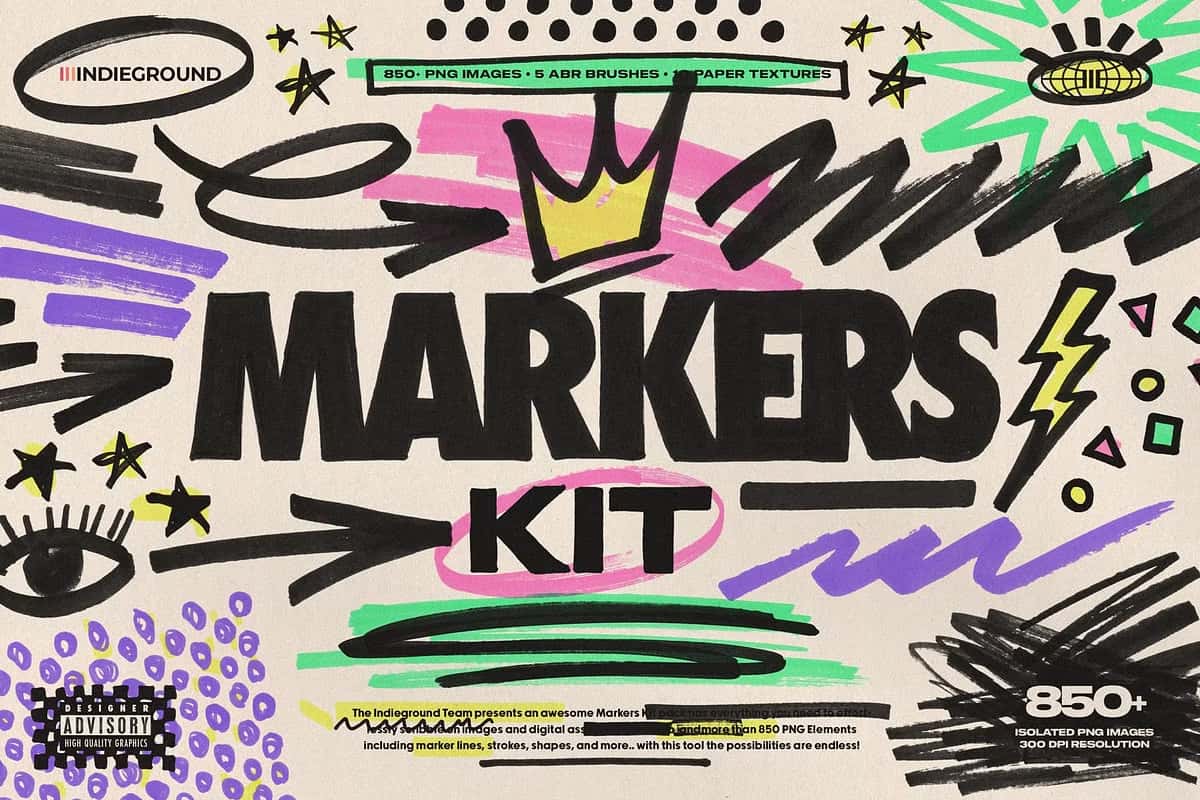

Markers Kit: Photoshop Brushes, PNG Files & Textures
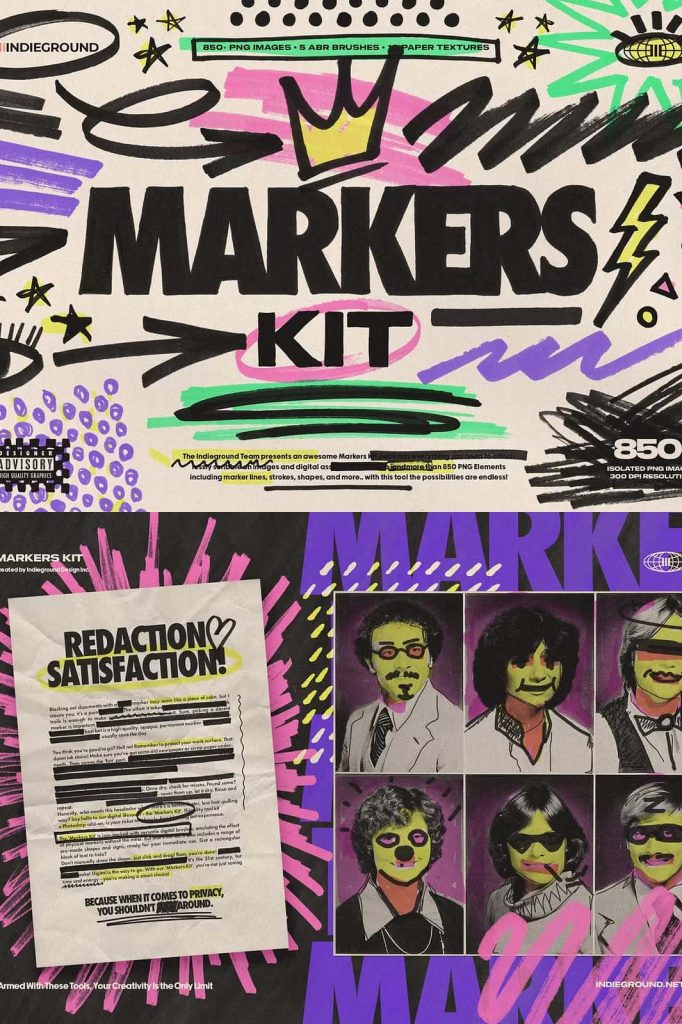
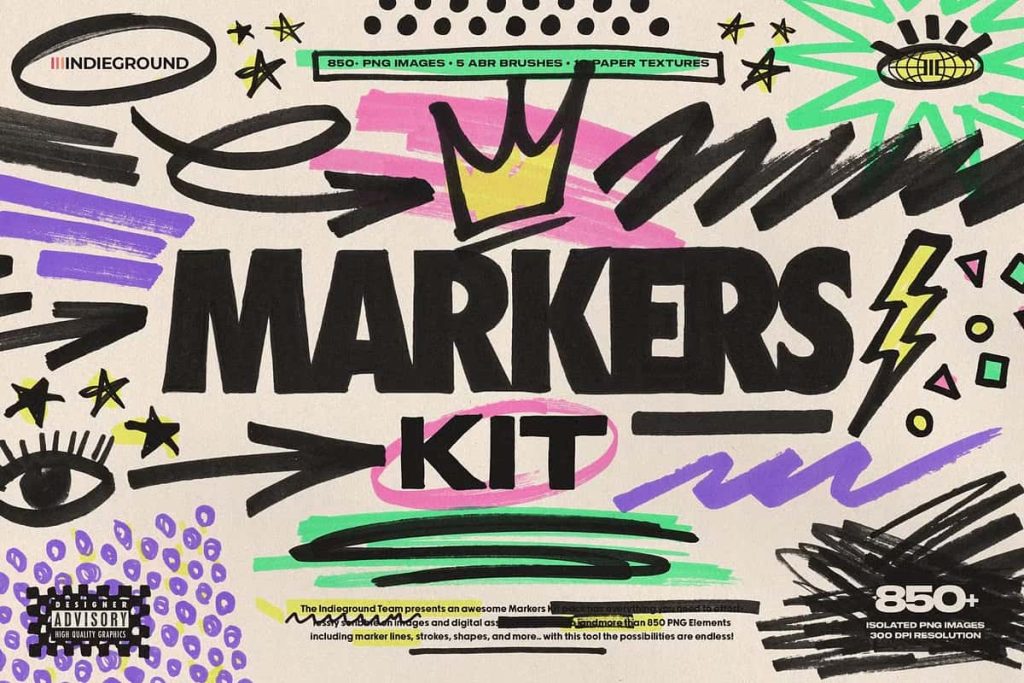
The Markers Kit gives you complete creative control to draw, sketch, scribble, and design directly inside Photoshop with speed and precision. Instead of wasting time creating marker effects from scratch, you can instantly apply realistic strokes, lines, and shapes that look hand-drawn and natural. This powerful collection combines professional Photoshop brushes, ready-to-use PNG files, and authentic paper textures so you can build bold artwork in seconds.
Create Natural Marker Effects Instantly
Add energy and personality to your designs with expressive marker strokes. The brushes respond smoothly and deliver strong, organic textures that mimic real ink on paper. You can sketch quick notes, highlight important areas, or build detailed illustrations without complicated settings. Every tool works fast and feels intuitive, helping you stay focused on creativity instead of technical steps.
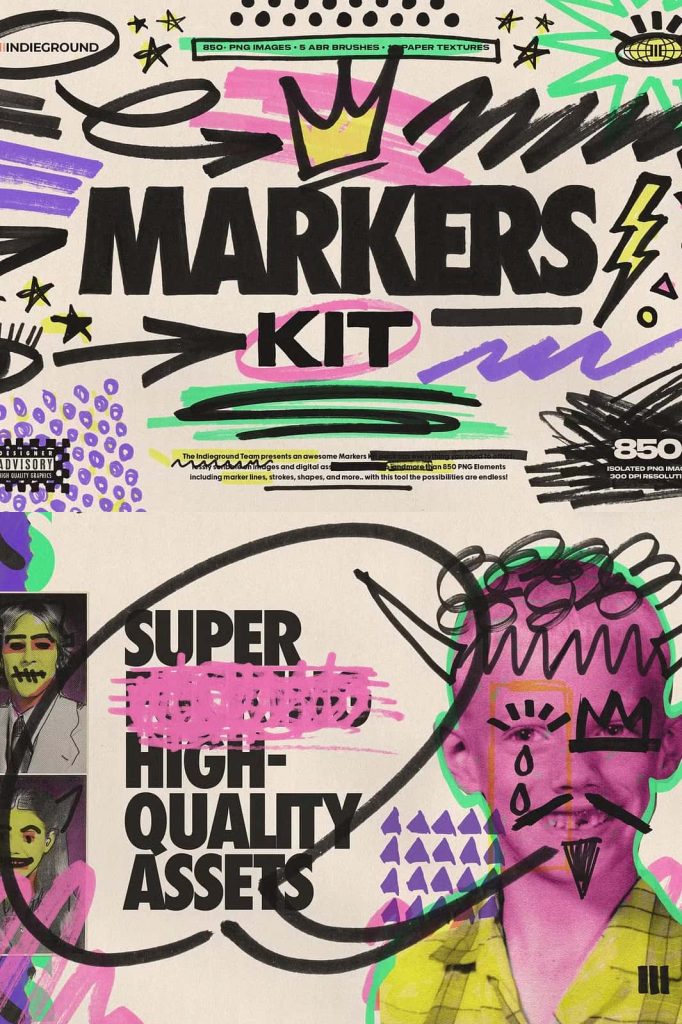
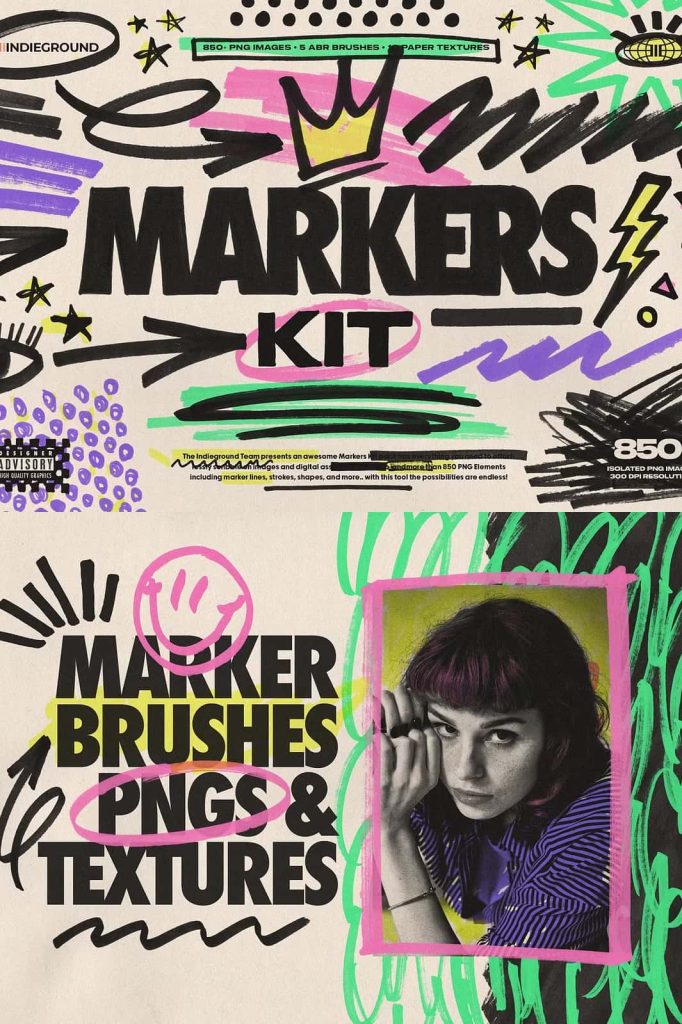
Use the kit to decorate social media graphics, enhance photos, design posters, or craft modern branding. The strokes look imperfect in the best way, giving your work a raw, authentic style that stands out from flat digital effects.
Professional Photoshop Brushes
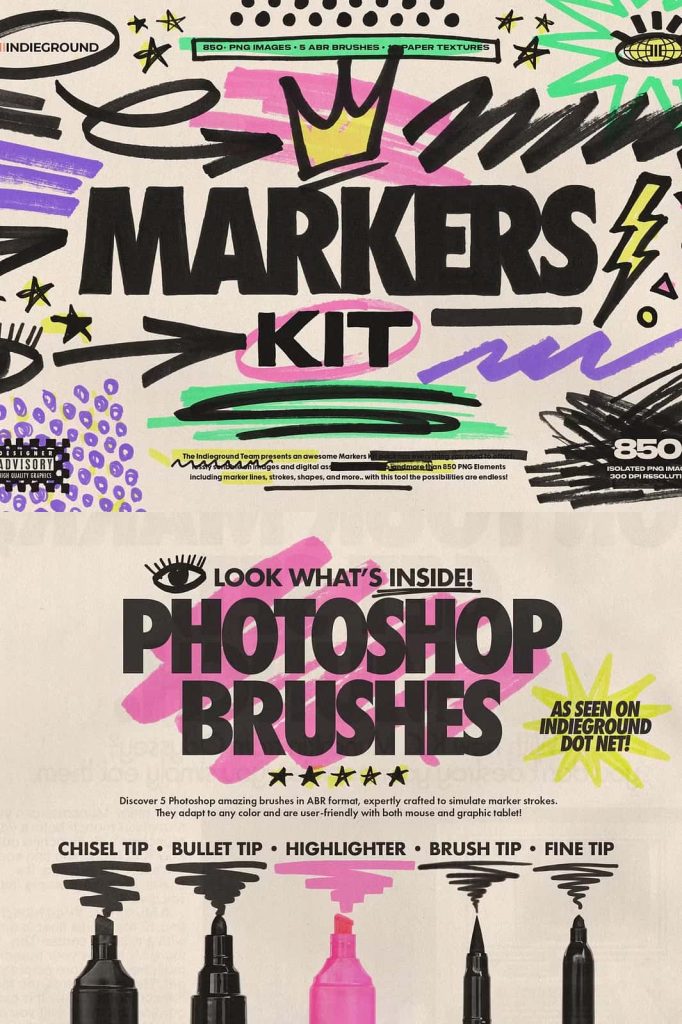
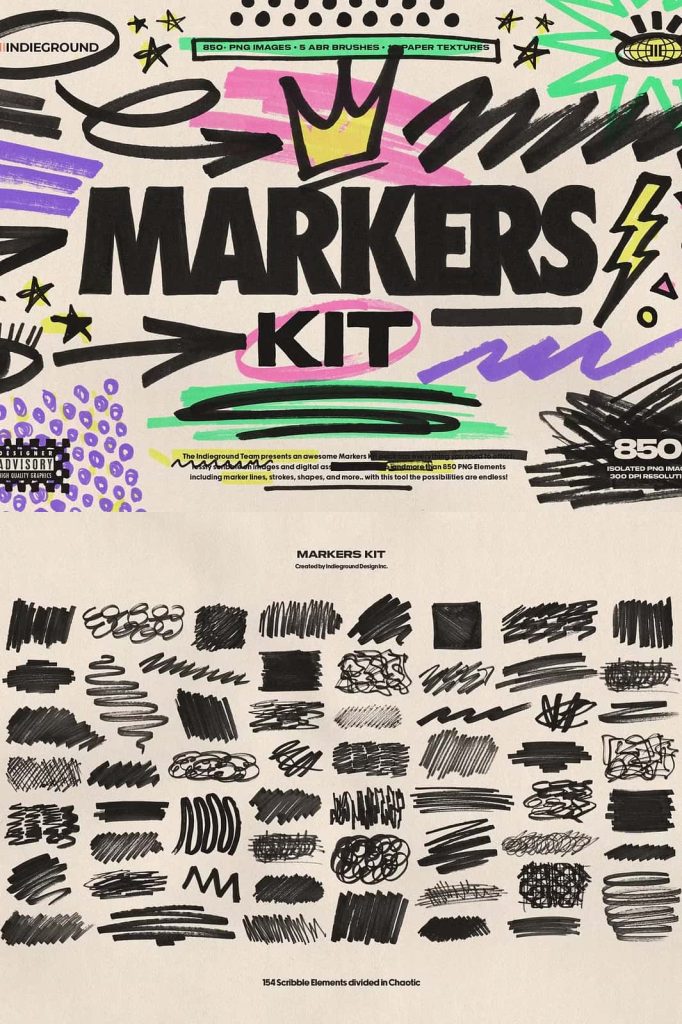
The brush set includes a wide variety of marker styles, from thin lines to thick bold strokes. You can draw sharp outlines, underline text, circle elements, or fill areas with textured color. Each brush delivers consistent pressure, clean edges, and realistic ink flow. Simply select a brush and paint directly onto your canvas.
Brush features include:
- Dynamic marker lines and scribbles
- Thick and thin strokes for contrast
- Hand-drawn shapes and marks
- Smudges and imperfect textures
- Easy layering and blending
These brushes help you move quickly. Sketch ideas, add highlights, or create bold callouts in seconds.
Ready-to-Use PNG Marker Elements
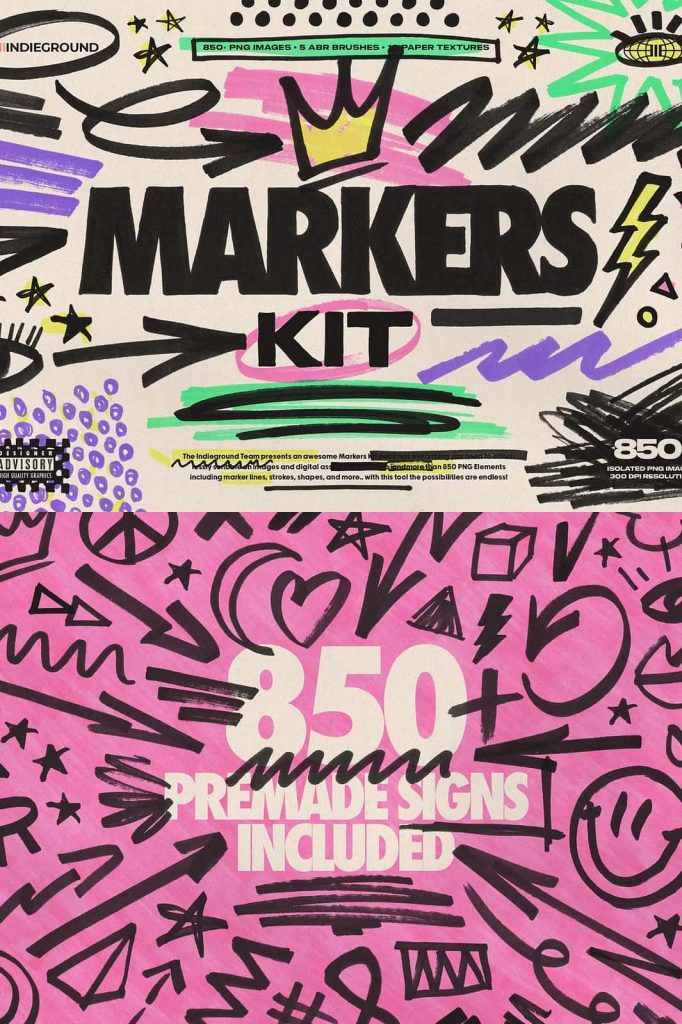
Speed up your workflow even more with high-resolution PNG files. Drag and drop strokes, arrows, circles, or shapes directly into your design. Scale them freely without losing quality. Rotate or combine them to build unique compositions. This method saves time and ensures consistent results across projects.
Use PNG elements when you need instant decoration or when you want precise placement without brushing manually. They work perfectly for layouts, presentations, banners, and promotional graphics.
Bonus Paper Textures for Realism
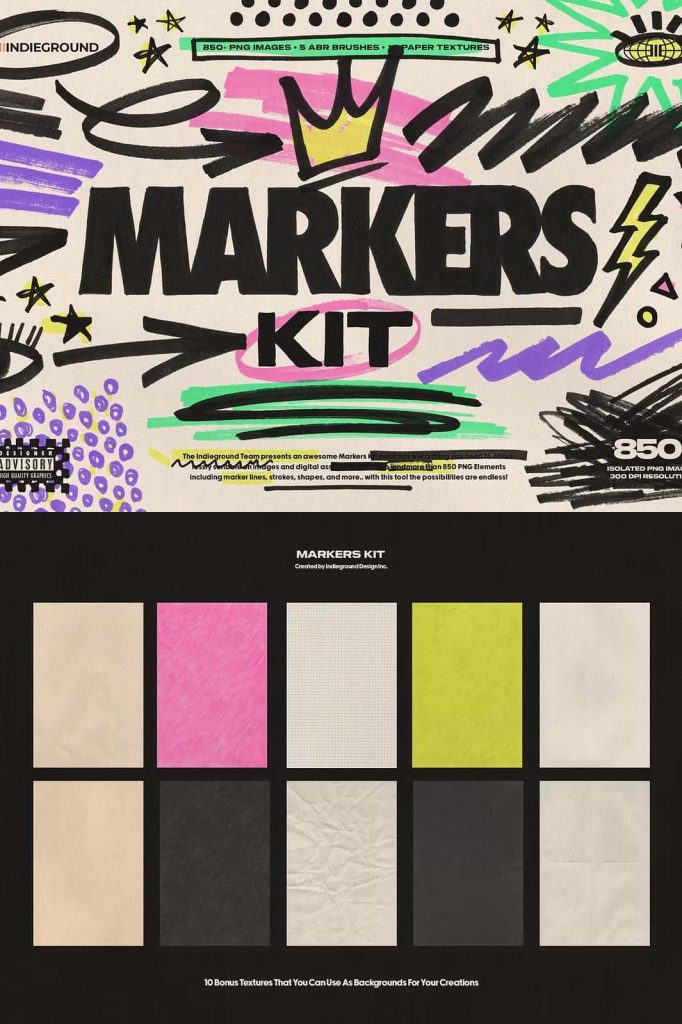
The kit also includes 10 premium paper textures that bring depth and authenticity to your artwork. Place a texture over your design to simulate real sketchbook paper or rough surfaces. Blend it using overlay or multiply modes to create subtle grain and natural imperfections. Your digital work immediately feels tactile and handcrafted.
These textures help you avoid flat designs and add warmth, character, and visual interest.
Perfect for Multiple Creative Projects
The Markers Kit adapts to many styles and industries. Whether you design for marketing, education, or personal art, these tools support your process. You can highlight text in presentations, annotate screenshots, create trendy social posts, or produce bold poster designs. The pack suits beginners who want simple tools and professionals who demand flexible assets.
Great for:
- Photo editing and overlays
- Social media content
- Poster and flyer design
- Branding and packaging
- Digital scrapbooking
- Creative illustrations
Fast Workflow, Endless Possibilities
Install the brushes, open your project, and start creating immediately. Mix brushes with PNG elements and textures to build layered, dynamic visuals. Experiment with colors, blend modes, and opacity to achieve unique results. The kit encourages exploration and helps you produce professional designs faster than ever.
If you want to add authentic hand-drawn character, bold marker energy, and realistic paper depth to your Photoshop projects, this Markers Kit provides everything you need in one complete package. Create stronger visuals, work faster, and bring your ideas to life with confidence.